
 United StatesData privacy
Use it with YouTube
Upmeet can be used to record, transcribe and generate your Youtube videos without the need to add any application to your Youtube workspace. Just follow the steps below.
No card required • Start in 2 minutes
Works with all video conferencing platforms


How it works?
- Transcribe and summarize any YouTube video with no extra app needed
- Process any public YouTube video by simply pasting the URL
- Get instant AI-powered summaries, key points and action items
01
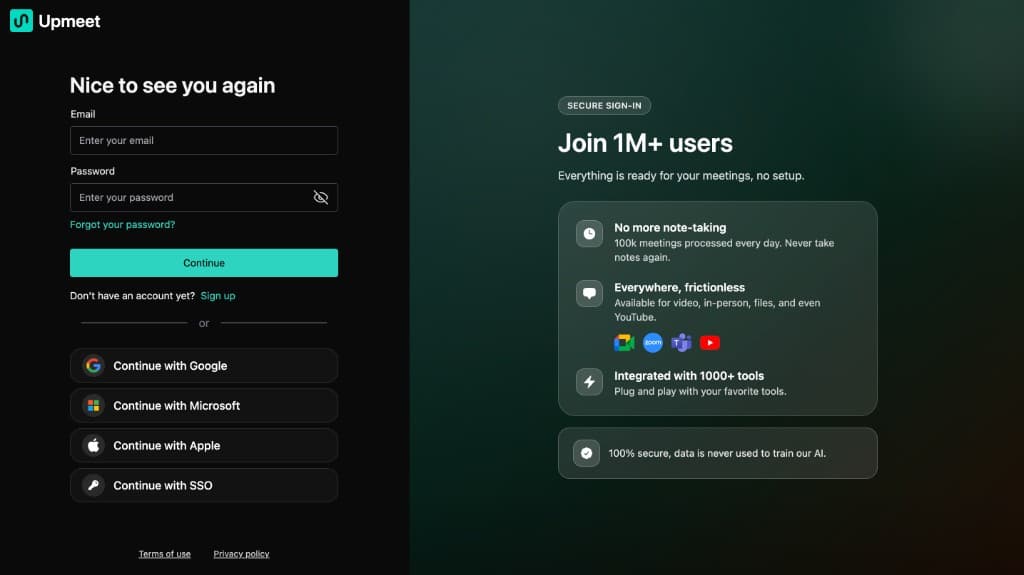
Log in to Upmeet
If you do not already have an Upmeet account, please sign up here: https://app.upmeet.ai
02
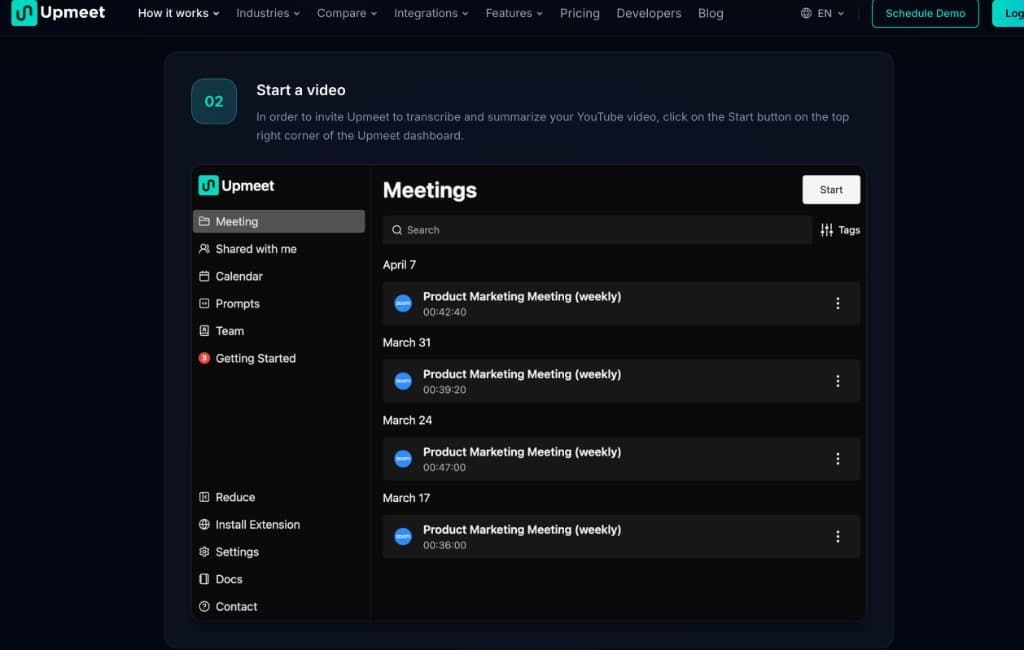
Start a video
In order to invite Upmeet to transcribe and summarize your Youtube video, click on the Start button on the top right corner
03
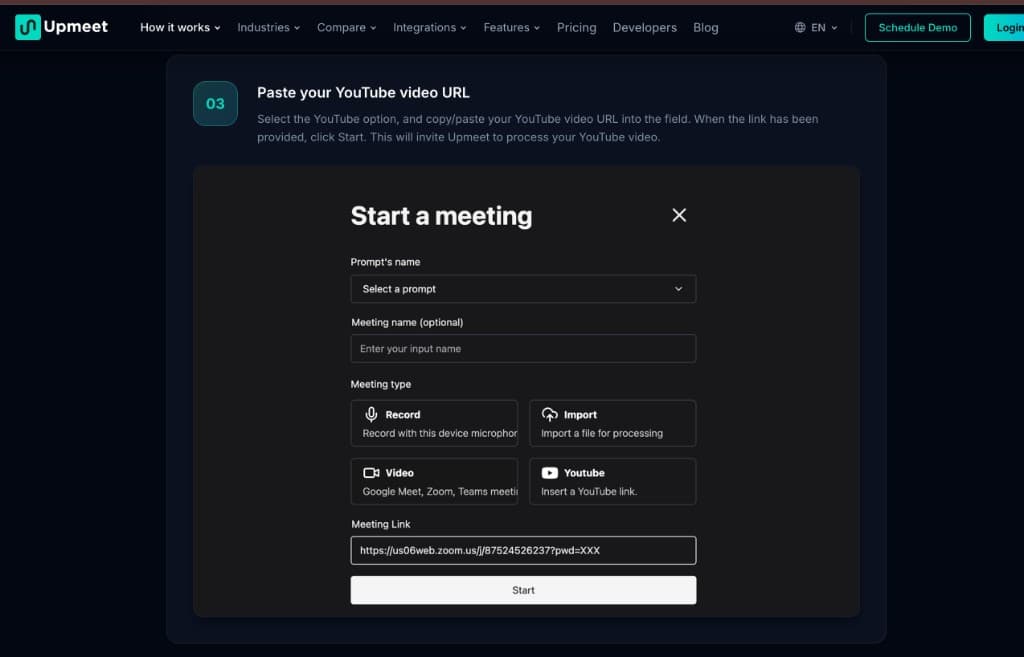
Paste your Youtube video URL
Select the Youtube option, and copy/paste in the field your Youtube video URL
Turn every meeting into clear next steps
Use Upmeet to capture conversations, generate summaries, surface action items, and keep meeting knowledge searchable for your team.
No commitment
Human support
Start in minutes